

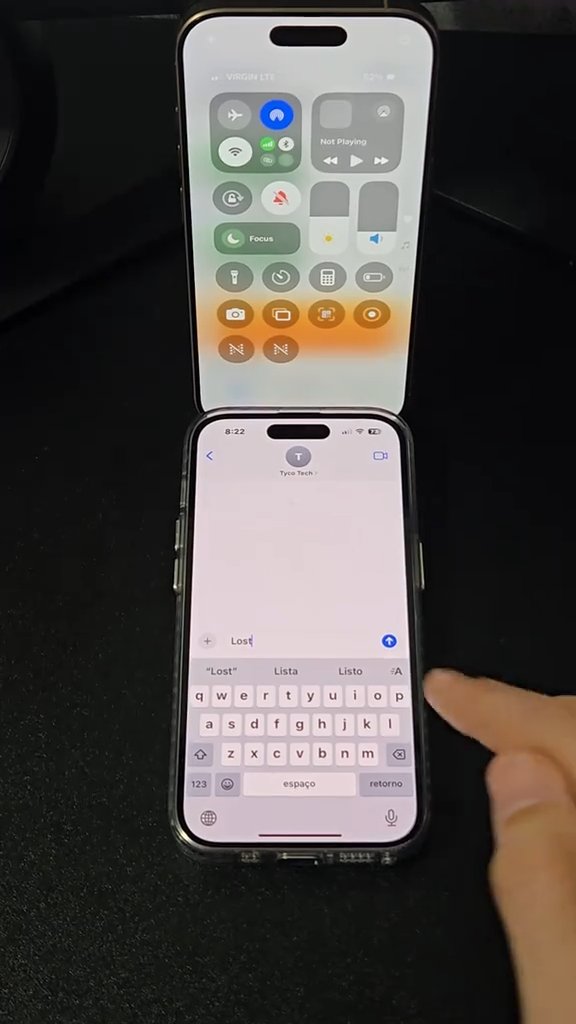
if your phone goes missing, one text can make it call home. build a shortcut, wire it to a keyword, and it sends its location and flips into find-mode on its own. 🎥 @tycotech.ca (TikTok)
Build a "Lost iPhone" Shortcut That Texts You Its Location
A Shortcuts automation that reacts to a keyword text — turning on Bluetooth and Wi-Fi, enabling Low Power Mode, maxing the volume, and sending its location to a trusted contact.
Steps
- 1
Open Shortcuts and create a new shortcut called "Lost iPhone."
- 2
Add actions to turn on Bluetooth and Wi-Fi, enable Low Power Mode, set the volume to 100%, get your current location, and send it to a trusted contact.
- 3
Go to the Automation tab and create a new automation with "Message" as the trigger, using a keyword like "lost."
- 4
Enable "Run Immediately" so it fires without asking you first.
- 5
Now when a message with that keyword arrives, the phone sends its location and switches into find-mode.